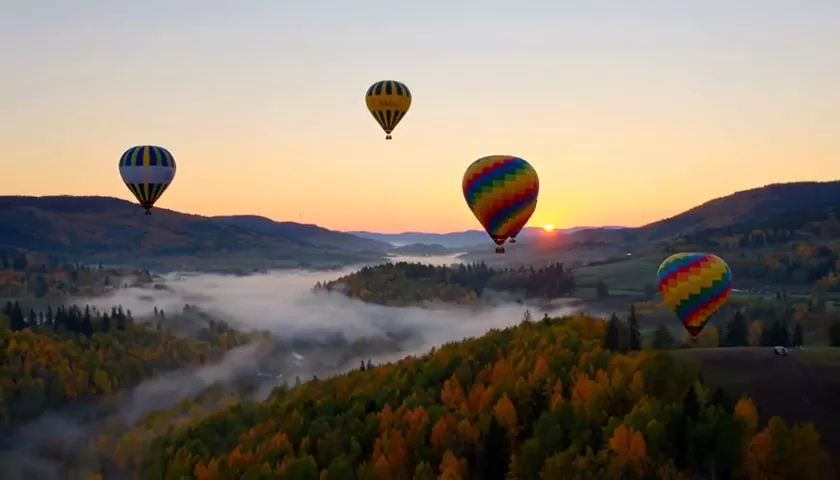
Kling O3 Pro Review: Cinematic AI Video up to 15 Seconds
Kling O3 Pro is the flagship of Kuaishou’s O3 line: scenes up to 15 seconds, synced sound, first and last frame control and up to 7 photo references. Features, pricing, prompts and comparisons.
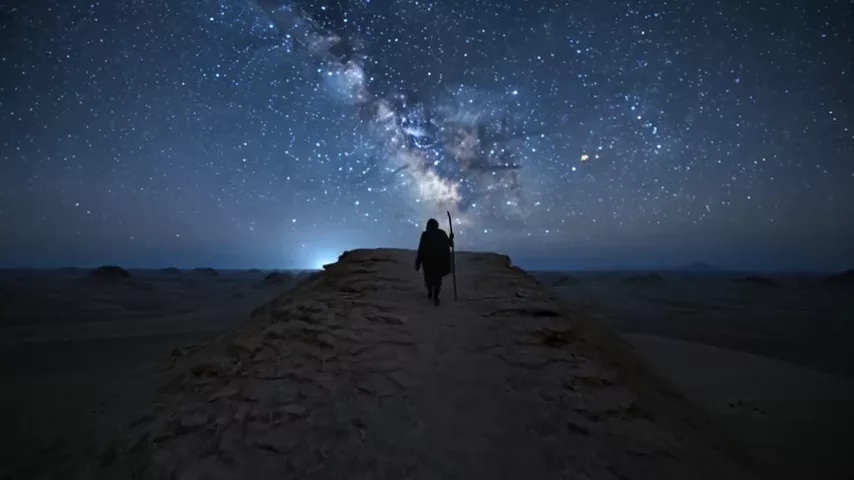
This Kling O3 Pro review covers the flagship of Kuaishou’s O3 line, built for people who need more than a second or two of motion. The WebTerra AI model card sums it up: “long scenes up to 15 seconds, cinematic visuals and synchronized sound.” In other words, it’s a model for complete episodes — with developing action, camera movement and a soundtrack generated together with the video rather than added afterwards.
Kuaishou’s Kling line is known for realistic motion and a cinematic feel. Kling O3 Pro is available online in the WebTerra AI dashboard and supports three ways to create a clip: from text, from a photo and from a set of references. On top of that you get first and last frame control, a flexible duration from 3 to 15 seconds and three frame formats — for YouTube, Reels and a square feed.
Below: what the model can do, how to use Kling O3 Pro step by step, what a generation costs, ready prompts, tips and an honest comparison with other video models in WebTerra AI.
What Kling O3 Pro can do
- Text-to-video. Describe a scene and get a clip with motion, light and camera work.
- Image-to-video. Upload an image and the model brings it to life while keeping its composition and style.
- Reference-to-video. Up to 7 photo references — a character, an object, a location, a style — combined into one scene.
- First and last frame. Set the image the clip starts on and the one it ends on, and the model builds the motion between them.
- Duration from 3 to 15 seconds in one-second steps — from a short accent to a full episode.
- Synchronized sound. By default the model generates audio together with the video: ambience, effects, the sounds of the action.
- Three frame formats: 16:9, 9:16 and 1:1.
The dashboard defaults are 5 seconds, horizontal 16:9 and sound on. For Reels and Shorts, just switch the aspect ratio to 9:16.
Presets help you get started: cinematic shot, product video, nature and time-lapse, animate a photo, character line with sound, scene with ambient sound, complex camera move, multi-shot scene, first-person vlog and food close-up.
Kling O3 Pro specs
| Parameter | Value |
|---|---|
| Developer | Kuaishou |
| Type | Video generation |
| Input modes | Text → video; image → video; references → video |
| Duration | 3–15 seconds (1 s steps), 5 s by default |
| Frame formats | 16:9, 9:16, 1:1 |
| First and last frame | Yes |
| Photo references | up to 7 |
| Sound | Generated with the video (on by default) |
| Price for a 3 s clip | 61–68 credits (about $0.71–$0.87) |
How to use Kling O3 Pro in WebTerra AI
- Log in to WebTerra AI or sign up.
- Open the video generator in the dashboard and select Kling O3 Pro.
- Choose a mode: text, photo or references. For photo mode, upload an image; for start and end control, add a first and last frame; for references, add up to 7 photos.
- Write the prompt: what happens, how the camera moves, what the light is like and what we hear.
- Set the duration (3–15 s) and format (16:9, 9:16 or 1:1). Leave sound on if you want a ready-made soundtrack.
- Check the cost — it depends on duration — and start the generation.
- Review the clip and refine the prompt if needed. Test at the shortest duration and render the final version longer.
All WebTerra AI video models are collected on the AI video generation page, where it’s easy to compare what they can do.
Kling O3 Pro pricing
The Kling O3 Pro pricing in the table is for a 3-second clip. Longer clips cost more — the dashboard shows the exact amount for your chosen settings before launch.
| Plan | Credits per 3 s | Cost in USD |
|---|---|---|
| Starter | 68 | about $0.87 |
| Pro | 64 | about $0.77 |
| Ultra | 61 | about $0.71 |
A straight word about the welcome bonus: the 60 credits you get at sign-up fall just short of even the shortest clip from this model. They’re best spent developing the idea on cheaper models — for example, generating a starting frame as an image — and topping up for Kling O3 Pro. Plans and credit packs are on the pricing page.
Kling O3 Pro prompt examples
It helps to end prompts with “no text, no captions, no watermark” so no lettering appears in the frame.
1. Cinematic shot (the model’s demo)
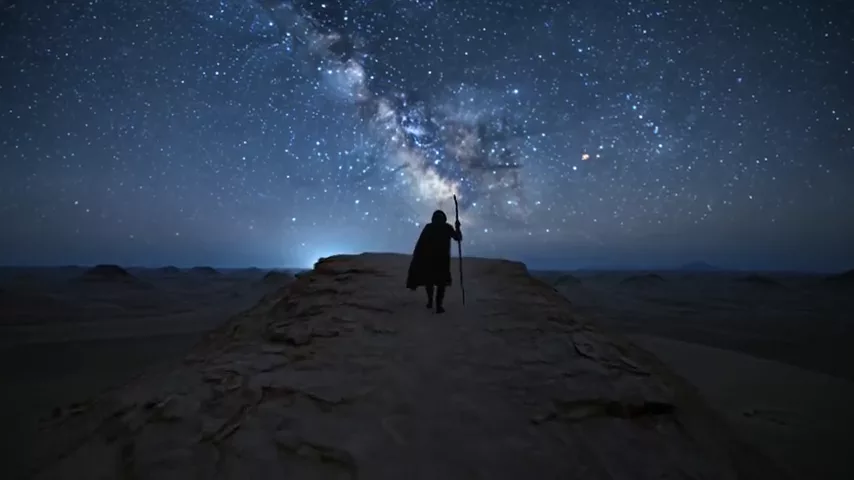
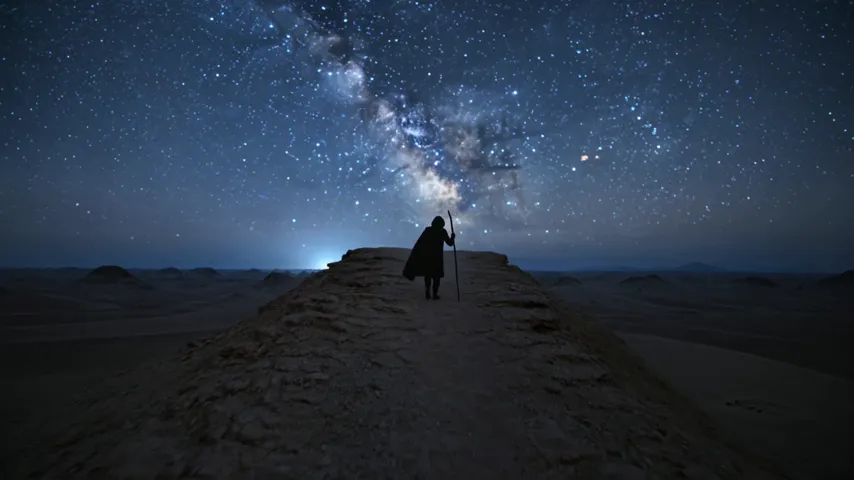
Epic wide shot of a lone traveler walking along a dark desert ridge under a starry sky, milky way above, slow camera push-in, deep blue tones, no text, no captions, no watermark
The prompt behind the model’s demo clip: scale, a slow camera move, a clear palette.
2. A scene with ambient sound
A small fishing boat rocking in a foggy harbor at dawn, seagulls crying, waves gently hitting the hull, distant ship horn, slow pan right, no text
Sound is described alongside the picture, and the model generates it in sync.
3. A character line
Close-up of an old watchmaker at his workbench, he looks up and says quietly: "Time is the only thing we cannot repair", ticking clocks in the background, warm lamp light
The “Character line with sound” preset: a short quoted line plus the sound environment.
4. Product video
Slow orbit around a matte black wireless headphone on a glossy pedestal, soft studio light sweeping across, subtle reflections, vertical 9:16, no text
An orbiting camera shows the product from every side — a format made for social ads.
5. Multi-shot scene
Shot 1: a runner ties her shoes on an empty city bridge at sunrise. Shot 2: close-up of her feet hitting the pavement. Shot 3: wide drone shot as she runs across the bridge, city skyline behind, no text
A longer duration (10–15 s) gives room for a mini-story across several shots.
6. First-person vlog
POV handheld shot walking through a busy night market in Asia, steam from food stalls, neon signs, vendors calling out, natural phone camera look
The “First-person vlog” preset: a phone-camera feel and the live sound of the market.
Tips for writing Kling O3 Pro prompts
Describe the camera separately
Slow push-in, orbit, tracking shot, drone flyover, handheld — state the camera move explicitly. It’s one of the main tools for a cinematic result.
Plan the action for the duration
In 3–5 seconds there’s time for one action. For 10–15 seconds, describe a sequence — what happens at the start, middle and end — or split the scene into shots (Shot 1, Shot 2…).
Don’t forget the sound
Since the model generates audio, describe what we should hear: rain, footsteps, chatter, a spoken line. Without a description you’ll still get sound, but it will be more generic.
Use first and last frames
If it matters where the clip begins and ends — say, from a closed box to an open one — set both frames. The model builds the transition between them.
References for recognizability
When a character or product must look the same across several clips, reuse the same photo references each time. Say in the prompt who is who.
Test short
Price depends on duration, so test ideas at 3–5 seconds and only run winning prompts at 10–15.
Which mode to choose: text, photo or references
Kling O3 Pro’s three modes solve different problems, and picking the right one saves both time and credits.
- Text → video — when the idea matters more than the exact look of a character or object. The quickest way to test a scene concept.
- Image → video — when you already have the frame: a generated image, a product photo, an illustration. Composition and style are kept while the model adds motion and sound. First and last frame mode belongs here too, for controlled transitions.
- References → video — when you need to combine several elements: a specific character, a specific product and a specific location. Up to 7 photos help keep characters recognizable across a series.
A practical approach: first generate a starting frame with an inexpensive image model, perfect it, then animate it in Kling O3 Pro. The main iterations happen on cheap images, and the more expensive video runs only once the composition is right.
Who Kling O3 Pro is for
- Ad agencies and brands — cinematic product clips with sound.
- Social media managers and creators — 9:16 Reels and Shorts with a ready soundtrack.
- Music video makers and directors — scene previsualization, atmospheric inserts, mini-stories.
- Marketplace sellers — product videos with orbiting camera moves and close-ups.
- Educational creators — illustrative scenes for lessons and explainers.
- Restaurants and cafes — mouth-watering food close-ups for menus and social media.
Kling O3 Pro vs other video models
| Model | Feature | When to choose it |
|---|---|---|
| Kling O3 Pro | Up to 15 s, cinematic, sound, 7 references | Long, coherent scenes with sound and references |
| Kling 3.0 | Top motion quality | Motion quality and naturalness come first |
| Veo 3.1 | 4K, with sound | You need 4K resolution |
| Seedance 2.0 | Audio + multi-scene | An alternative for multi-scene clips with sound |
| Kling 2.5 Turbo Pro | Up to 10 s, realistic | A shorter clip on a smaller budget |
Honestly: Kling O3 Pro shines when you need long scenes, flexible duration, sound and many references at once. If your priority is the highest resolution, look at Veo 3.1. If motion quality in shorter scenes matters most, try Kling 3.0. Seedance 2.0 is an alternative for multi-scene clips with sound. And when the budget is tight and 10 seconds is enough, Kling 2.5 Turbo Pro or the open-source Wan 2.7 is the more rational choice.
Kling O3 Pro limitations
- 15 seconds maximum. Longer videos have to be assembled from several clips in an editor.
- Three frame formats. Only 16:9, 9:16 and 1:1 — for 4:3 or 21:9 you’ll need to crop.
- Price grows with duration. The shortest 3 s clip costs from 61 credits; the 60 welcome credits don’t cover it.
- No more than 7 references. For complex scenes, pick the most important photos.
And the general rule: don’t use photos of real people without their consent, and don’t create videos that could mislead viewers.
FAQ
How much does a Kling O3 Pro video cost?
A 3-second clip costs 68 credits (about $0.87) on Starter, 64 (about $0.77) on Pro and 61 (about $0.71) on Ultra. Longer clips cost more; the dashboard shows the exact price.
What’s the maximum length?
15 seconds. You can pick any duration from 3 to 15 seconds in one-second steps.
Does the model generate sound?
Yes, synchronized sound is generated with the video and is on by default.
Can I make a video from a photo?
Yes. There’s an image-to-video mode, first and last frame control, and a reference mode with up to 7 photos.
Which frame formats are available?
16:9, 9:16 and 1:1.
How is Kling O3 Pro different from Kling 3.0?
O3 Pro is the flagship of the O3 line, focused on long scenes up to 15 seconds, sound and references; in WebTerra AI, Kling 3.0 is recommended mainly for motion quality.
Kling O3 Pro is the pick for anyone who wants a complete cinematic scene with sound from AI, not just a short burst of motion. Sign up for WebTerra AI, choose a plan and create your first clip in the dashboard.
Try AI models yourself
Models for video, images and audio in one place — 60 credits free when you sign up
Start for free